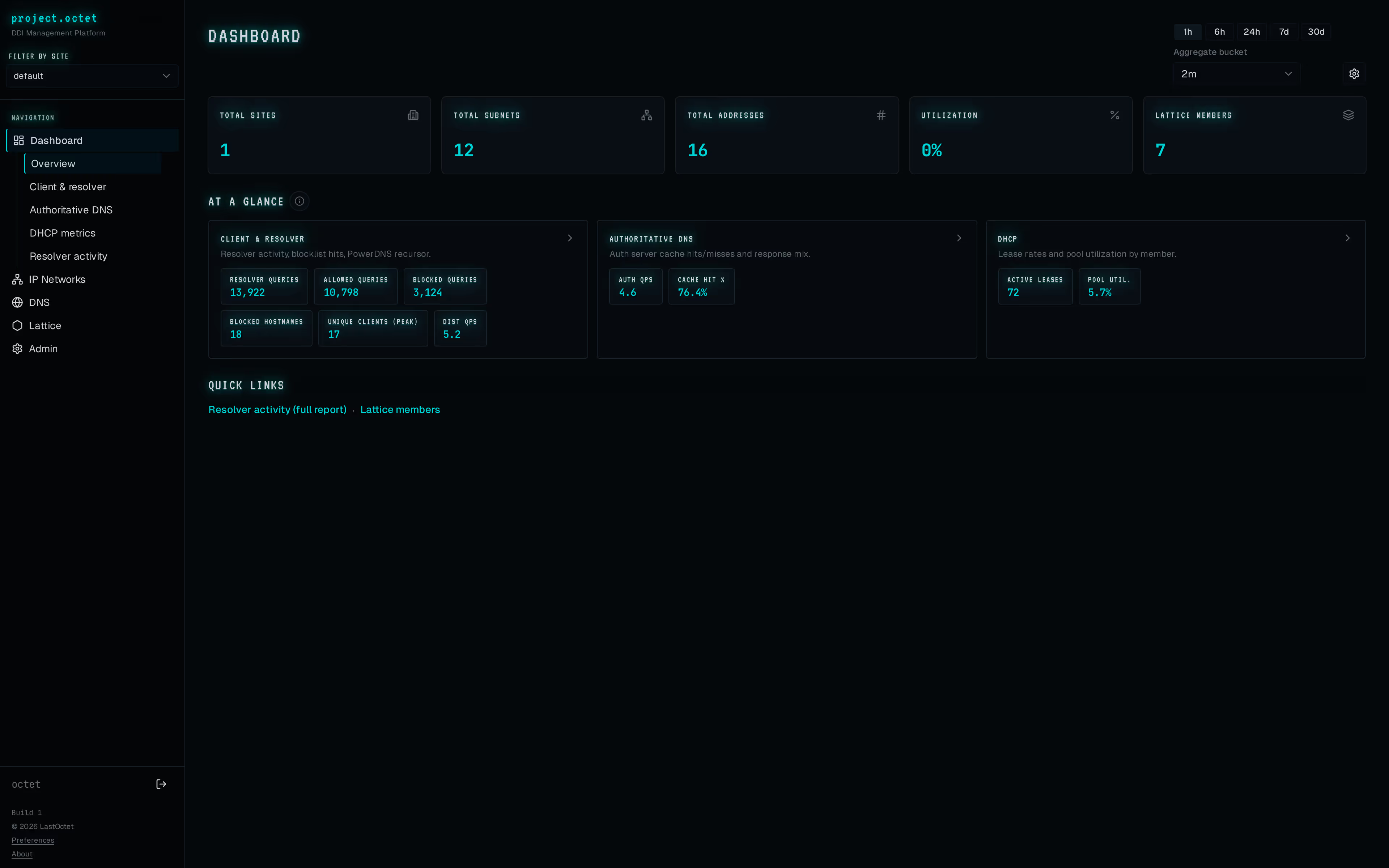
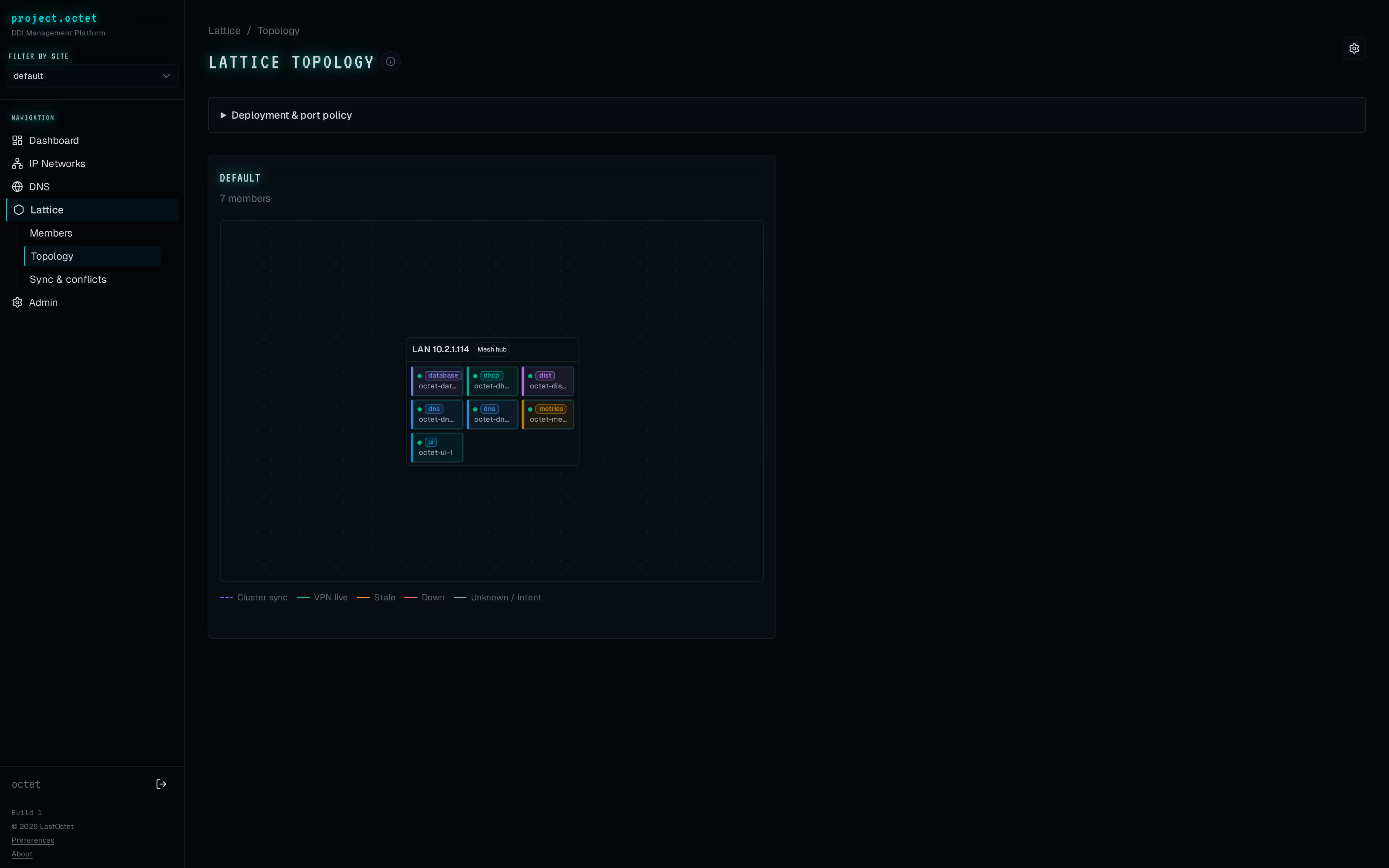
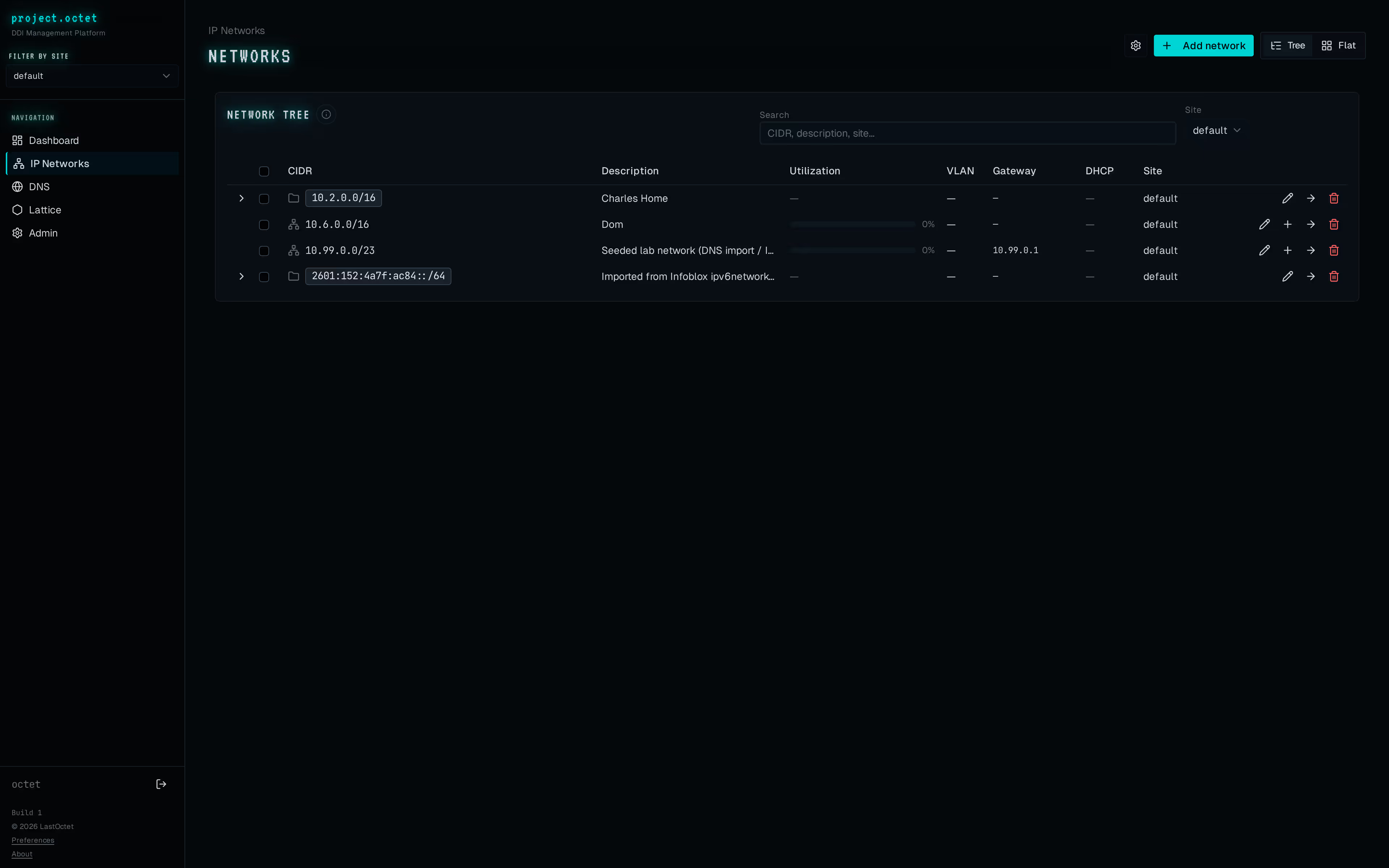
Project Octet is a self-hosted DNS, DHCP, and IPAM platform.
Every site runs the same software and shares state through an
append-only event log. Your network team owns its naming and
addressing. No per-office controller. No vendor running your
DNS for you.
Under the hood it's PowerDNS
for authoritative zones, ISC Kea
for DHCP, and dnsdist out front
for resolvers. WireGuard ties
the hosts together, including through CGNAT. The coordinator keeps
the source of truth in Postgres; member agents apply config changes
within seconds.
The UI handles the things you'd expect: multi-tenant views and zones,
IPAM containers that follow real CIDR hierarchy, DHCP scopes and
leases, shared host records, hostname templates, and RBAC down to
the zone and subnet.
Everything runs in Docker on the hardware you already have. It's for
network teams who want their DDI close to the metal without losing
a usable interface.
-
Deploys on
-
Docker Compose on Linux x86_64 or arm64. A coordinator plus a
member or two per site. No Kubernetes needed.
-
Speaks
-
PowerDNS, Kea, dnsdist, WireGuard. Open data model. Export your
state whenever you want.
-
Scales to
-
A single site with a few subnets, or many sites with thousands
of zones and millions of leases.